
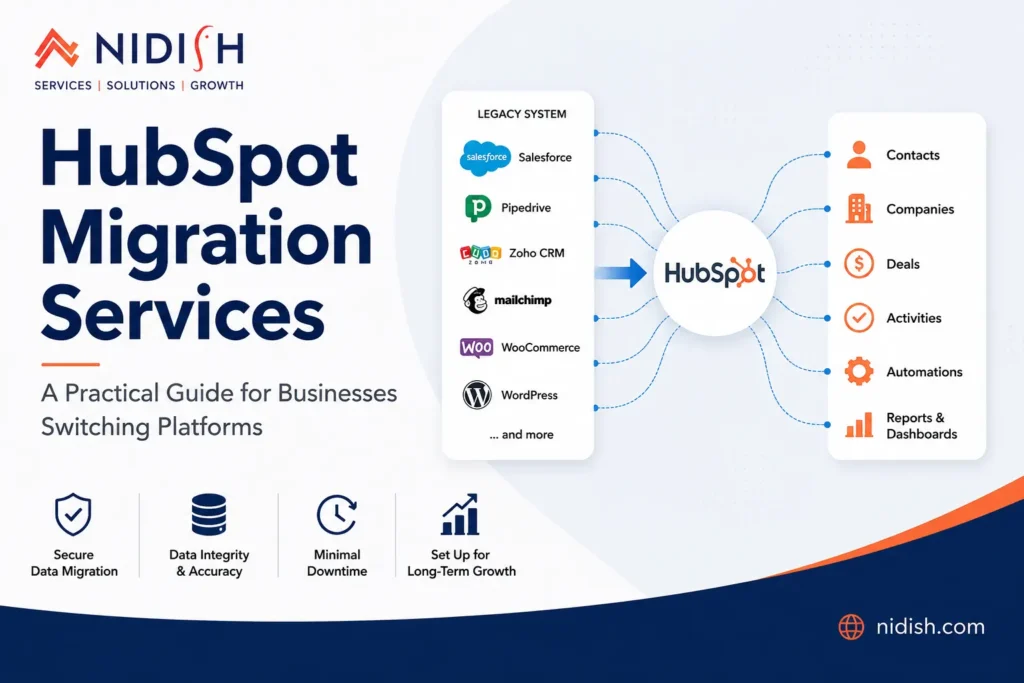
If you’re reading this, chances are your current CRM or marketing platform has become more of a headache than a help. Maybe your sales team is duplicating records by hand. Maybe your marketing automation tool can’t talk to your CRM anymore. Or maybe leadership has simply decided it’s time to consolidate everything into one platform.
Whatever brought you here, you’re not alone. Every week, businesses of all sizes decide to migrate to HubSpot — and almost every one of them underestimates how much planning a clean migration actually requires.
That’s where professional HubSpot migration services come in. A well-executed migration isn’t just about moving data from one system to another. It’s about preserving the integrity of years of customer history, rebuilding workflows that actually reflect how your team operates today, and avoiding the kind of data chaos that can take months to untangle after the fact.
Businesses that invest in professional HubSpot Migration Services typically experience a smoother transition, better data accuracy, and faster user adoption.
In this article, we’ll walk through what a proper migration involves, the most common pitfalls businesses run into, and how to choose a partner who can get it right the first time.
Table of Contents
Why Businesses Choose to Migrate to HubSpot
For many organizations, HubSpot Migration Services provide the expertise needed to consolidate systems without disrupting daily operations.
Most companies don’t wake up one day and decide to migrate to HubSpot on a whim. There’s usually a triggering event — a contract renewal, a merger, a new VP of Marketing who’s used HubSpot before, or simply years of frustration with disconnected tools.
A few patterns we see consistently:
- Sales and marketing alignment problems. When marketing uses one platform and sales uses another, lead handoffs fall apart. HubSpot’s unified CRM solves this by putting both teams on the same record.
- Spiraling tool costs. Many businesses run five or six point solutions (email marketing, forms, live chat, CRM, reporting) that HubSpot can consolidate into one subscription.
- Outgrowing a free or entry-level tool. Platforms like Mailchimp, Zoho, or a basic CRM often work fine early on, but they hit a ceiling as reporting and automation needs grow.
- Salesforce complexity and cost. This is a big one. A Salesforce to HubSpot migration is one of the most common projects we handle, usually driven by admin overhead and licensing costs that have become hard to justify.
Whatever the reason, the goal is the same: a smoother, more connected system that the whole team will actually use.
What HubSpot Migration Services Actually Cover
Comprehensive HubSpot Migration Services address not only data transfer but also process optimization, automation rebuilding, and user training.
It’s easy to assume “migration” just means exporting some spreadsheets and importing them into HubSpot. In reality, a thorough migration touches several distinct areas, and each one has its own risks if handled carelessly.
| Migration Area | What It Involves | Common Risks If Done Poorly |
| HubSpot CRM Migration | Moving contacts, companies, deals, pipelines, and ownership data | Broken deal stages, lost ownership history, duplicate records |
| HubSpot Data Migration | Moving contacts, companies, deals, pipelines, and ownership data | Orphaned records, missing context for sales reps |
| HubSpot Website Migration | Rebuilding or transferring website pages, blogs, and landing pages onto HubSpot CMS | SEO ranking drops, broken links, lost form submissions |
| Marketing Automation Migration | Recreating workflows, email sequences, and lead scoring logic | Sequences firing incorrectly, leads falling through gaps |
| Integration Migration | Reconnecting tools like Slack, Stripe, Zoom, or accounting software | Disconnected data syncs, reporting gaps |
Each of these areas requires a different skill set, which is why most businesses benefit from working with a dedicated HubSpot migration partner rather than handling everything internally with a small in-house team.
The Most Common Migration Challenges (And How to Avoid Them)
After working through dozens of migrations, certain issues come up again and again. Here’s what to watch for.
1. Dirty Data Gets Carried Over
Experienced HubSpot Migration Services providers will often perform a data-cleaning exercise before any records are imported into HubSpot.
This is, without question, the number one issue. If your existing CRM has duplicate contacts, outdated fields, or inconsistent naming conventions, migrating “as-is” just moves the mess into a new system.
Before any HubSpot CRM migration begins, it’s worth investing time in a data audit. Identify duplicates, standardize field formats (especially dates, phone numbers, and country names), and decide which historical data is actually worth keeping.
2. Custom Fields Don’t Map Cleanly
Every CRM has its own way of structuring custom fields, and HubSpot is no exception. A field called “Lead Source” in Salesforce might use picklist values that don’t exist in HubSpot’s default properties.
This is especially true during a Salesforce to HubSpot migration, where Salesforce’s highly customizable object model often doesn’t translate one-to-one with HubSpot’s structure. A proper field-mapping document, created before migration day, prevents a lot of post-launch cleanup.
3. Workflows and Automations Need Rebuilding, Not Copying
Automations rarely transfer automatically, and even when tools claim to support it, the logic often needs adjustment. What worked in your old platform may not reflect HubSpot’s lifecycle stages, list segmentation, or sequence logic.
Treat this as an opportunity. Migration is the perfect time to simplify automations that have become overly complex over the years.
4. Website Migration Affects SEO
A HubSpot website migration involves more than moving pages over — it means setting up proper 301 redirects, preserving meta tags, and maintaining your existing URL structure where possible. Skip this step, and you risk losing months (or years) of organic search rankings overnight.
5. Sales Teams Resist the Change
Even the best technical migration can fail if the sales team doesn’t adopt the new system. Training, clean pipeline setup, and involving sales leadership early in the process make a measurable difference in adoption rates.
Salesforce to HubSpot Migration: What Makes It Different
Specialized HubSpot Migration Services are especially valuable during Salesforce migrations because of the complexity of custom objects and field mappings.
Among all CRM transitions, Salesforce to HubSpot migration projects tend to be the most involved — and the most rewarding once complete.
Salesforce’s flexibility means businesses often build years of custom objects, validation rules, and Apex code that simply don’t exist in HubSpot’s framework. Rather than trying to replicate every Salesforce customization, the smarter approach is usually to ask: “What does this customization actually accomplish, and how do we achieve that outcome using HubSpot’s native tools?”
In some cases, businesses run both systems in parallel for a short transition period, or even need a HubSpot to Salesforce data migration later if a subsidiary or department continues using Salesforce. Planning for these scenarios upfront — rather than reacting to them mid-project — saves significant rework.
Choosing the Right HubSpot Migration Partner
Not all migration providers are created equal, and the cheapest option often ends up being the most expensive once you factor in cleanup costs.
When evaluating a HubSpot migration agency, consider asking:
| Question to Ask | Why It Matters |
| Have they handled migrations from your specific source platform? | Salesforce, Zoho, and Pipedrive each present different challenges |
| Do they provide a field-mapping document before starting? | Shows they’ve planned the data structure, not just the transfer |
| How do they handle data cleansing? | Determines whether you inherit old problems |
| What’s their approach to website redirects and SEO? | Critical if a website migration is involved |
| Do they offer post-migration support and training? | Adoption issues often surface weeks after go-live |
True HubSpot migration experts will also be upfront about timelines. A migration that touches CRM data, marketing automation, and a full website typically takes anywhere from six to twelve weeks, depending on data volume and complexity. Anyone promising a same-week turnaround for a complex migration is likely cutting corners somewhere.
A Realistic Migration Timeline
Most successful projects rely on structured HubSpot Migration Services to keep timelines on track and reduce the risk of costly migration errors.
While every project is different, most CRM migration to HubSpot projects follow a similar rhythm:
- Discovery and audit (1–2 weeks): Reviewing existing data, integrations, and workflows.
- Field mapping and planning (1–2 weeks): Documenting how data will translate into HubSpot’s structure.
- Sandbox migration and testing (2–3 weeks): Migrating a sample dataset to catch issues before full migration.
- Full data migration (1–2 weeks): Moving all records, with validation checks along the way.
- Website and automation rebuild (2–4 weeks, if applicable): Often run in parallel with data migration.
- Training and go-live support (1–2 weeks): Ensuring teams know how to use the new system from day one.
How Nidish Can Help
Migrating to HubSpot doesn’t have to be complicated. Nidish helps businesses move their CRM, marketing automation, website, and integrations to HubSpot with minimal disruption and maximum accuracy. From data auditing and field mapping to workflow recreation and post-migration support, our team manages every stage of the transition to ensure a smooth, successful launch.
Whether you’re planning a HubSpot CRM migration, a Salesforce to HubSpot migration, or a complete platform consolidation, Nidish provides the expertise needed to reduce risk, preserve data integrity, and help your teams get value from HubSpot faster.
Final Thoughts
Switching platforms is never just a technical exercise — it’s a chance to fix the inefficiencies that have built up over years. The businesses that get the most value from their transition treat it that way, rather than as a simple copy-paste exercise.
Whether you’re dealing with a straightforward HubSpot CRM migration or a more complex Salesforce to HubSpot migration involving custom objects and years of historical data, the principle stays the same: plan thoroughly, clean before you move, and rebuild rather than replicate where it makes sense.
Working with experienced HubSpot migration services doesn’t just reduce risk during the transition — it sets the foundation for how effectively your teams will use the platform for years afterward. Get the migration right, and everything that follows becomes easier.




 Blog
Blog Case Studies
 Career