
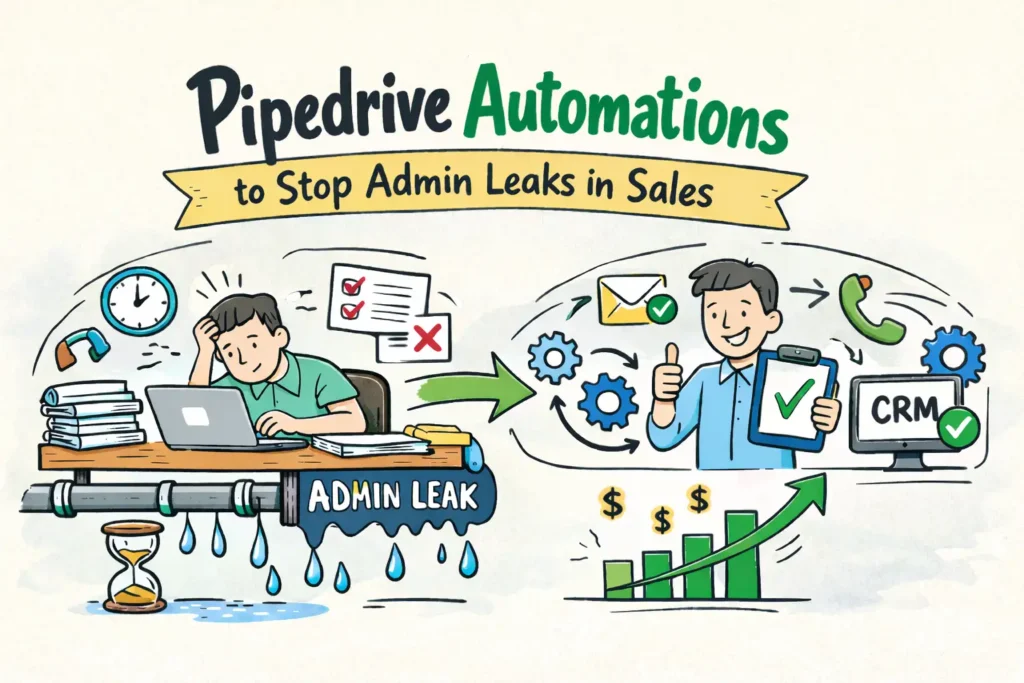
Pipedrive automations are one of the most underutilized advantages inside modern sales teams.
As an agency that has optimized hundreds of sales pipelines, we see the same operational issue across growing businesses using pipedrive sales systems.
We call it the Admin Leak.
It starts with small tasks that feel unavoidable. A sales rep manually enters lead details. Someone copies and pastes a welcome email. Another remembers to set a follow-up reminder after the call ends.
Individually, these actions feel harmless. Collectively, they drain time, focus, and momentum.
Over time, sales teams lose more than ten hours every week to CRM maintenance instead of revenue-generating work. In many organizations, top performers spend nearly 40 percent of their time managing tools rather than closing deals.
This is where Pipedrive automations change everything.
When configured correctly, Pipedrive becomes an active sales engine that enforces process, improves consistency, and protects deals from slipping through the cracks.
Below are five proven workflows we implement at Nidish to eliminate admin work and restore selling time.
Table of Contents
What Is the Admin Leak in Pipedrive?
The admin leak is the cumulative time lost on repetitive CRM tasks such as:
- Updating deal stages manually
- Forgetting follow-ups
- Copying data between systems
- Poor sales to delivery handovers
- Last-minute meeting preparation
- Missed renewals
These problems do not occur because sales teams lack discipline. They occur because manual systems do not scale.
This is exactly why Pipedrive automations are essential for sales pipeline automation and long-term growth.

1. Instant Lead Response Automation
Time saved: about 2 hours per week
The problem
Speed to lead directly impacts conversion rates. When prospects wait hours for a response, interest drops fast.
The automation
The moment a lead enters Pipedrive, the system responds automatically.
Trigger:
Deal or person created via web form or chatbot
Actions:
- Send a personalized acknowledgment email
- Create a call activity due within one hour
Why it works
This workflow ensures every inbound lead is handled consistently. It is one of the most effective Pipedrive automations for improving response time and lead engagement.
Learn more about workflow automation directly from Pipedrive
2. Stalled Deal Follow-Up Automation
Time saved: 2 to 3 hours per week
The problem
Deals stall in negotiation stages when follow-ups are delayed or forgotten.
The automation
Pipedrive monitors inactivity and triggers action.
Trigger:
Deal remains in the negotiation stage for more than seven days
Action:
Create a follow-up activity for the deal owner
Optional step:
Move the deal to a nurture pipeline after fourteen days of inactivity
Why it works
This removes guesswork and enforces discipline using structured Pipedrive automations instead of memory.
3. Sales to Delivery Handover Automation
Time saved: 1 to 2 hours per deal
The problem
After a deal is closed, delivery teams often lack context, which delays onboarding and hurts client confidence.
The automation
The handover starts instantly when a deal is won.
Trigger:
Deal marked as closed won
Actions:
- Notify operations or onboarding teams automatically
- Create a project in ClickUp, Asana, or Trello using a webhook
Why it works
This automation eliminates internal friction and ensures clean execution. It is one of the most valuable Pipedrive automations for service-based businesses.
For advanced implementations, many teams work with a Pipedrive consulting partner
4. Meeting Preparation Automation
Time saved: around 1 hour per rep per week
The problem
Sales reps often join demos or discovery calls unprepared.
The automation
Every scheduled meeting triggers a preparation task.
Trigger:
Meeting or demo activity created
Action:
Create a research task due one day before the meeting
Why it works
Preparation becomes part of the process, not an afterthought. Well-designed Pipedrive automations consistently improve demo quality and close rates.
5. Renewal Tracking Automation
Time saved: several hours per month
The problem
Renewals are managed manually and addressed too late.
The automation
Renewal planning begins the moment a deal closes.
Trigger:
Deal marked as won
Actions:
- Create a new deal in a renewals pipeline
- Set the expected close date twelve months ahead
Why it works
This creates predictable recurring revenue and ensures renewals never depend on memory. Strategic Pipedrive automations protect long-term growth in pipedrive sales operations.
Why Pipedrive Automations Matter for Sales Growth
Removing admin work allows sales teams to focus on high-impact activities.
Well-implemented Pipedrive automations improve pipeline accuracy, enforce consistent sales behavior, and increase revenue per rep. They also form the foundation of scalable CRM automation for sales teams.
If you are serious about scaling pipedrive sales, automation is not optional. It is foundational.
Ready to Stop the Admin Leak?
You do not need custom code to implement these workflows, but you do need the right strategy.
At Nidish, we help teams design scalable CRM systems through Pipedrive automations, sales pipeline optimization, and revenue-focused workflows.
Fix the system, and the results follow.
Customer Explanation
This video features a real Pipedrive customer explaining exactly how they implemented similar automations to reclaim 10 hours a week for their sales and accounts teams.




 Blog
Blog Case Studies
 Career